
Skip to content
  • Microsoft’s Interactive Workshops
  • Our Blog
  • FAQ
  • Events
PPM Works, Inc. Logo PPM Works, Inc. Logo
  • Home
  • About Us
    • About Us
    • Join our Team
  • Solutions
    • Solutions
    • Project and Planner Sync
    • Data Warehouse
    • Quick Start
    • Project Online Proof of Concept
    • Dashboard in a Day
    • Task Sync App
    • PPM Discovery
    • The New Planner Discovery
    • The New Planner Proof of Concept
    • Rapid Teams Deployment
    • OnePlan Value Pack
  • Services
    • Services
    • Project Online Migration Options
    • PPM Deployment
    • Integrations
    • Power Platform and Reporting
    • User Adoption, Mentoring, and Training
    • Evaluations
    • Microsoft Software Assurance Planning Services
  • Training
  • Support
    • Support
    • Submit a Support Ticket
  • Resources
    • Industries
    • Microsoft Workshops
      • Microsoft’s Interactive Workshops
      • The new Microsoft Planner Extensibility Workshops
      • Microsoft Project Interactive Workshops
      • Microsoft Project App in a Day Workshop
      • Power BI Dashboard in a Day Workshops
      • Microsoft Teams Workshop
    • PPM Works Blog
    • Events
    • Frequently Asked Questions
    • Guides
    • Toolkits
      • Workflow Toolkit
      • Portfolio Management Toolkit
      • Resource Management Toolkit
  • Supported Products
    • OnePlan
    • Microsoft Planner
    • Microsoft Project
      • Microsoft Project Plan Comparison
    • Microsoft Power BI
    • Microsoft Power Apps
    • Microsoft Power Automate
    • Microsoft Teams
    • Microsoft Office 365
    • Microsoft Project Operations
    • Microsoft Dynamics
    • Microsoft Visio
    • When to Use What Microsoft 365 Task & Project Management Applications
  • Contact Us
  • Home
  • About Us
    • About Us
    • Join our Team
  • Solutions
    • Solutions
    • Project and Planner Sync
    • Data Warehouse
    • Quick Start
    • Project Online Proof of Concept
    • Dashboard in a Day
    • Task Sync App
    • PPM Discovery
    • The New Planner Discovery
    • The New Planner Proof of Concept
    • Rapid Teams Deployment
    • OnePlan Value Pack
  • Services
    • Services
    • Project Online Migration Options
    • PPM Deployment
    • Integrations
    • Power Platform and Reporting
    • User Adoption, Mentoring, and Training
    • Evaluations
    • Microsoft Software Assurance Planning Services
  • Training
  • Support
    • Support
    • Submit a Support Ticket
  • Resources
    • Industries
    • Microsoft Workshops
      • Microsoft’s Interactive Workshops
      • The new Microsoft Planner Extensibility Workshops
      • Microsoft Project Interactive Workshops
      • Microsoft Project App in a Day Workshop
      • Power BI Dashboard in a Day Workshops
      • Microsoft Teams Workshop
    • PPM Works Blog
    • Events
    • Frequently Asked Questions
    • Guides
    • Toolkits
      • Workflow Toolkit
      • Portfolio Management Toolkit
      • Resource Management Toolkit
  • Supported Products
    • OnePlan
    • Microsoft Planner
    • Microsoft Project
      • Microsoft Project Plan Comparison
    • Microsoft Power BI
    • Microsoft Power Apps
    • Microsoft Power Automate
    • Microsoft Teams
    • Microsoft Office 365
    • Microsoft Project Operations
    • Microsoft Dynamics
    • Microsoft Visio
    • When to Use What Microsoft 365 Task & Project Management Applications
  • Contact Us
  • Home
  • About Us
    • About Us
    • Join our Team
  • Solutions
    • Solutions
    • Project and Planner Sync
    • Data Warehouse
    • Quick Start
    • Project Online Proof of Concept
    • Dashboard in a Day
    • Task Sync App
    • PPM Discovery
    • The New Planner Discovery
    • The New Planner Proof of Concept
    • Rapid Teams Deployment
    • OnePlan Value Pack
  • Services
    • Services
    • Project Online Migration Options
    • PPM Deployment
    • Integrations
    • Power Platform and Reporting
    • User Adoption, Mentoring, and Training
    • Evaluations
    • Microsoft Software Assurance Planning Services
  • Training
  • Support
    • Support
    • Submit a Support Ticket
  • Resources
    • Industries
    • Microsoft Workshops
      • Microsoft’s Interactive Workshops
      • The new Microsoft Planner Extensibility Workshops
      • Microsoft Project Interactive Workshops
      • Microsoft Project App in a Day Workshop
      • Power BI Dashboard in a Day Workshops
      • Microsoft Teams Workshop
    • PPM Works Blog
    • Events
    • Frequently Asked Questions
    • Guides
    • Toolkits
      • Workflow Toolkit
      • Portfolio Management Toolkit
      • Resource Management Toolkit
  • Supported Products
    • OnePlan
    • Microsoft Planner
    • Microsoft Project
      • Microsoft Project Plan Comparison
    • Microsoft Power BI
    • Microsoft Power Apps
    • Microsoft Power Automate
    • Microsoft Teams
    • Microsoft Office 365
    • Microsoft Project Operations
    • Microsoft Dynamics
    • Microsoft Visio
    • When to Use What Microsoft 365 Task & Project Management Applications
  • Contact Us
  • New Planner Icon
    New Planner Icon
    Gallery

    New Planner Icon

    Uncategorized

New Planner Icon

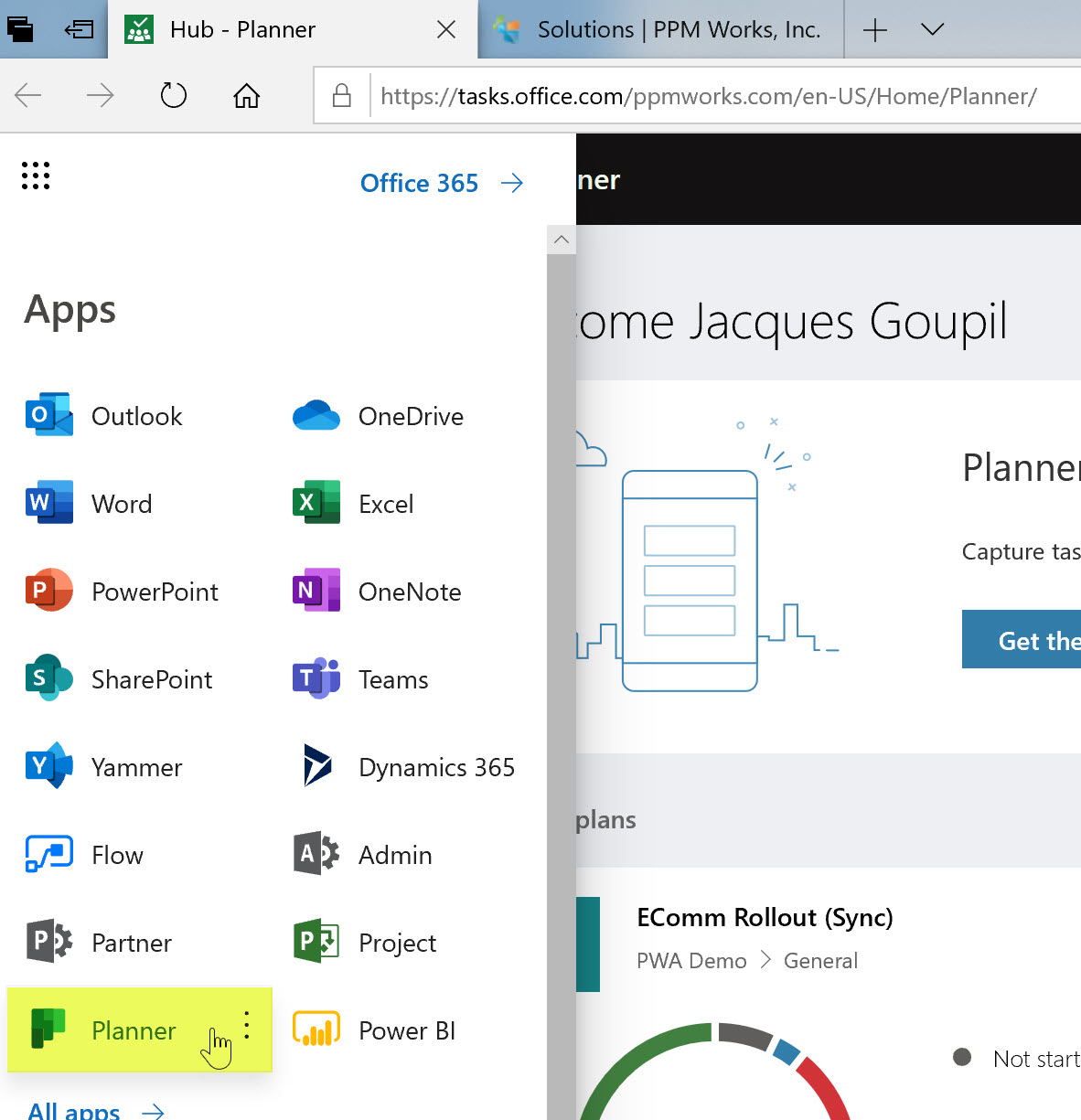
New Planner Icon The new Planner icon resembles a Kanban board and can be seen in the Office 365 Dashboard but not yet anywhere else (in the system tray, on the favorites, or when the app launches).  Just wanted to point this out incase you missed [...]

Read More
  • 5 Fun Things to Love About Microsoft Teams
    Gallery

    5 Fun Things to Love About Microsoft Teams

    Uncategorized

5 Fun Things to Love About Microsoft Teams

5 Fun Things to Love About Microsoft Teams So I’m not going to lie – I’m sometimes resistant to change. I mean, it took me a good year to be satisfied with Calibri rather than Times New Roman.  So when our team switched to Microsoft Teams, and made [...]

Read More
  • Filtering Flow Get Items with Filter Query
    Gallery

    Filtering Flow Get Items with Filter Query

    Uncategorized

Filtering Flow Get Items with Filter Query

Filtering Power Automate (Flow) “Get Items” with Filter Query Microsoft Power Automate, formerly Flow, makes it easy to copy items from one SharePoint list to another  - much easier than doing the same either manually or with Microsoft Access.  However, the limit to the number of items that [...]

Read More
  • Resource Management Toolkit
    Gallery

    Resource Management Toolkit

    Uncategorized

Resource Management Toolkit

Resource Management Toolkit We recently presented our Spring Demo Series Webinar: The Keys to Effective Resource Management. The topics covered included: Resource assignment, utilization and demand tracking Resource capacity forecasting Task management Timesheet and Approvals You can watch the webinar on our YouTube Channel or [...]

Read More
  • Add PPM Works as Partner of Record and Delegated Admin
    Gallery

    Add PPM Works as Partner of Record and Delegated Admin

    Uncategorized

Add PPM Works as Partner of Record and Delegated Admin

Add PPM Works as Partner of Record and Delegated Admin Special Offer – PPM Works to will provide 10 complementary hours of premium support each year for all our Partner of Record customers. Adding PPM Works as a Partner of Record and Delegated Admin elevates our ability [...]

Read More
Previous8910Next

Search the Blog:

PPM Works, Inc. is dedicated to providing your organization with expert OnePlan & Microsoft Project and Portfolio consulting services, including implementation, training, process development, mentoring, administration and support. Leverage our decades of experience and take your organization to the next step.

Subcribe to Our Email List
For Email Newsletters you can trust.
Copyright 2025 PPM Works, Inc. | All Rights Reserved | 399 Boylston Street, Floor 6, Boston, MA, 02116 | 888-858-3060
Privacy Policy | Service Terms
X
Page load link