
Project Online Roadmap

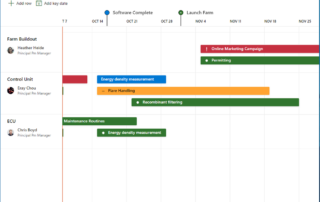
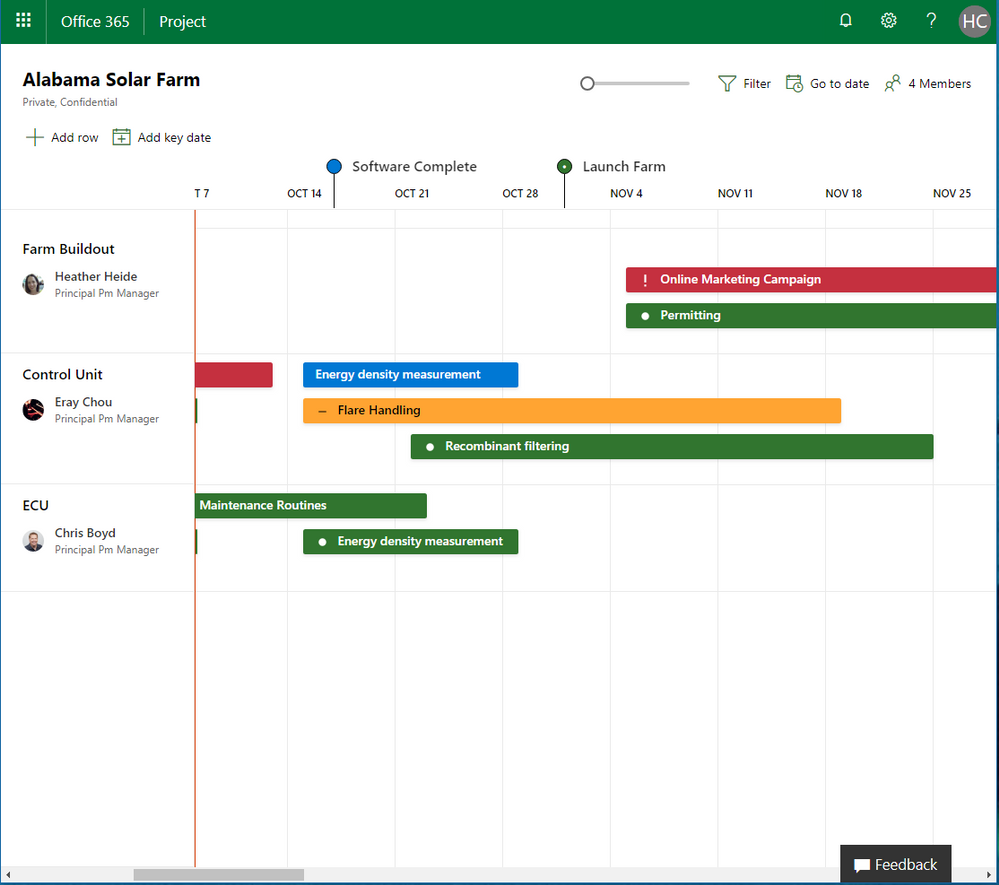
Microsoft Project Roadmap What is the Microsoft Project Roadmap: Roadmap allows you to view status across tasks, project, programs or portfolios in a visual and interactive way. All in one place you can see all your current projects types, such as Project Online and Azure Boards, and [...]

Microsoft Announces New Healthcare Team Members To Help Accelerate Innovation

Microsoft Announces New Healthcare Team Members To Help Accelerate Innovation Microsoft just announced that they’ve hired two seasoned healthcare industry personnel to help them in their Healthcare NExT initiative. The initiative’s goal is to advance healthcare innovation through artificial intelligence and cloud computing. Jim Weinstein, former CEO [...]

By |July 6th, 2018|Microsoft Project, Project Management, What's New|Comments Off on Microsoft Announces New Healthcare Team Members To Help Accelerate Innovation

Microsoft Recognized by Gartner as a Leader – Power BI

Microsoft Recognized by Gartner as a Leader - Power BI In February of this year, Arun Ulag, General Manager of Engineering for Microsoft announced that they have been positioned as a leader in Gartner’s 2018 Magic Quadrant for Analytics and Business Intelligence Platforms* for the 11th consecutive [...]

By |June 13th, 2018|Uncategorized|Comments Off on Microsoft Recognized by Gartner as a Leader – Power BI

Add a Custom Project Tile to Your Office 365 App Launcher

Add a Custom Project Tile to Your Office 365 App Launcher For licensed users the default Project Tile in the Office 365 App Launch will go to the default Project Web App (PWA) URL: /sites/pwa Here's how to add a Custom Project Tile for an additional Project [...]

By |March 26th, 2018|Office 365, Project Online, Tips and Tricks|Comments Off on Add a Custom Project Tile to Your Office 365 App Launcher

Reenabling the Entry Bar in Project Professional

Reenabling the Entry Bar in Project Professional If you have a fresh installation (or an upgraded installation) of Project Professional, you may find that the Entry Bar – the handy bar at the top into which you can type information – has gone missing. But it’s easy [...]

By |March 15th, 2018|Project Professional|Comments Off on Reenabling the Entry Bar in Project Professional