
OnePlan August New Releases
What’s New In OnePlan: Precision, Speed, and Visibility Take Center Stage
The latest OnePlan release focuses on three themes – planning precision, performance, and visibility – with improvements spanning nearly every corner of the platform, from Project Connector to Automations to the Resource Center.
Rather than walk through every feature in isolation, here’s what this release actually means depending on where you sit: whether you’re evaluating OnePlan for the first time, already running it day-to-day, or staring down the Project Online retirement deadline.
If you want to go through every feature, you can go to our support page and dive into the updates!
If You’re Evaluating OnePlan
The short version: this release closes gaps that have historically been reasons enterprise buyers have hesitated – rigid dashboards, weak Project interoperability, and manual reconciliation overhead. If those were on your list of open questions, several just got answered.
What matters most to you:
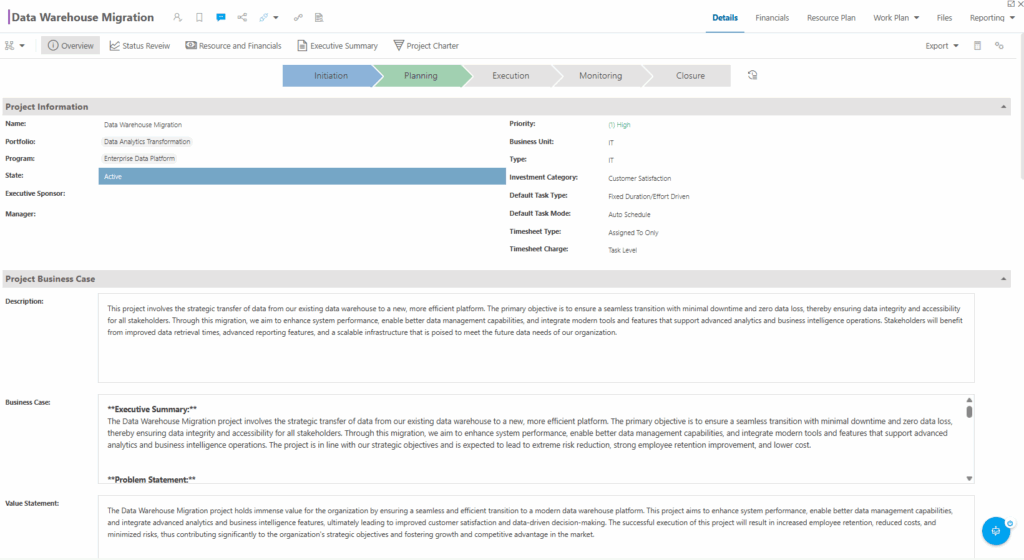
- Project Connector, deeper and more precise. Resource-level cost tables now sync with Microsoft Project on a per-file basis (not all-or-nothing), resource allocation syncs by time period instead of a single lump total, and task constraint types/dates and external dependencies now flow automatically between the two systems. For an organization deciding whether OnePlan can sit alongside an existing Microsoft Project investment without creating a second system of record, this is directly relevant – it reduces the double-entry and reconciliation work that’s historically been a sticking point in Project/OnePlan environments.
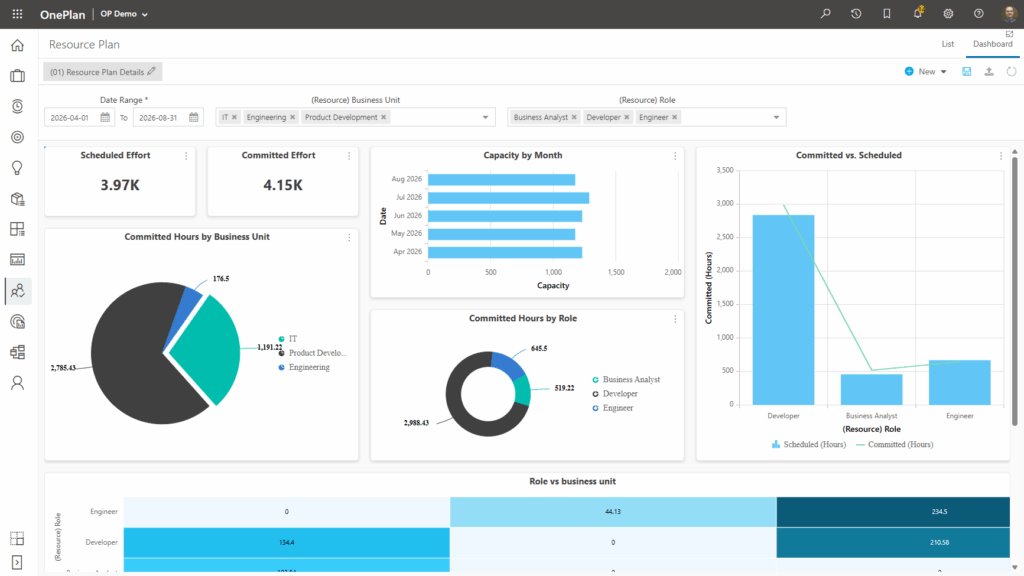
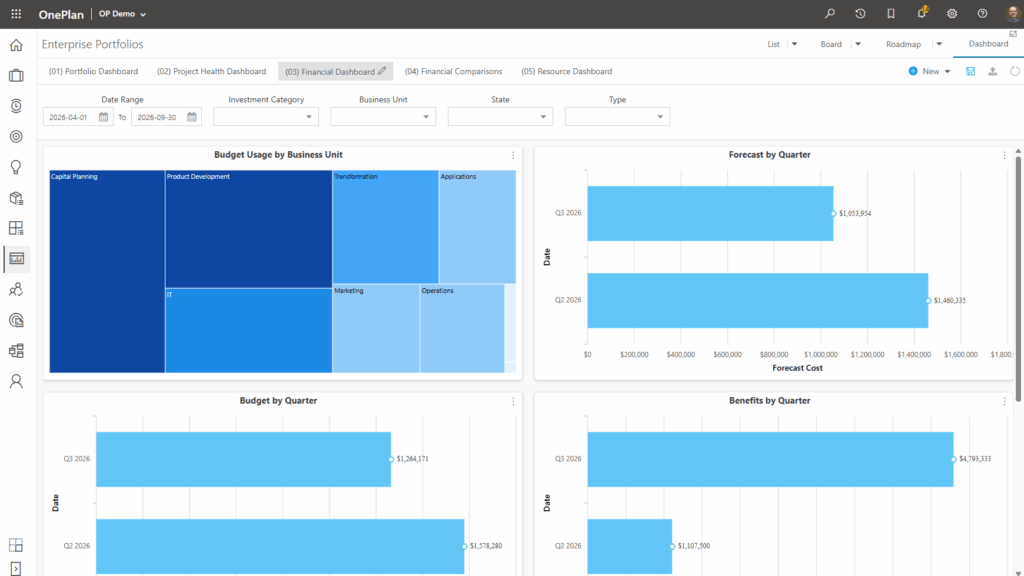
- Dashboards built for how executives actually consume data. New Treemap widgets, a Resource Capacity data source, Gantt views inside Table widgets, and a new Dashboard Template Library mean less custom configuration to get to executive-ready reporting. If “can we get board-level dashboards without months of configuration” was a question in your evaluation, this release moves the answer closer to yes.
- Performance improvements across Work Plan and OData. Schedules open and save faster, and OData endpoint access is faster for connected reporting/integration systems – relevant if a prior proof-of-concept surfaced speed or scale concerns.
- Azure DevOps sync, now near real-time. If your organization runs a hybrid PMO/engineering model, this reduces the lag between DevOps and portfolio-level reporting, with the option to opt individual plans out where needed.
A note on comparison points: if you’re weighing OnePlan against other PPM tools on any of these dimensions, that comparison should be verified directly with OnePlan or PPM Works rather than inferred from this release alone – this article only reflects what changed, not how it stacks up competitively.
Next step: if you want to see any of these in the context of your specific environment (existing Project usage, Azure DevOps footprint, reporting requirements), that’s a conversation worth having before a broader evaluation – reach out to the PPM Works team.
If You’re a Current OnePlan Customer
The short version: this release removes friction you’re probably already feeling, rather than adding features you’ll need to go learn from scratch.
What matters most to you:
- Less manual reconciliation with Microsoft Project. If your team has been manually re-entering constraint dates or losing external dependencies on sync, that’s addressed directly. Time-phased assignments (rather than lump-sum totals) now flow into the Work Plan and are usable across connected apps – worth a look if resourcing forecasts have felt too coarse.
- New Resource Usage View and bulk assign for material/cost resources. If your plans involve multiple resource types, the drag-and-drop bulk assignment that previously only worked for work resources now extends to material and cost resources – a straightforward time-saver on complex, multi-resource-type projects.
- Plan Detail Pages for large plans. You can now split Plan Details into multiple pages so users only see fields relevant to their role – worth evaluating if your larger plans have become cluttered or if different stakeholders have been complaining about irrelevant fields.
- Financial Plan and Resource Plan admin moved to the front end. No more jumping to separate admin areas for either – a workflow change, not just a feature addition, so it’s worth having whoever owns Financial/Resource Plan administration in your org take a look.
- Automations got broader coverage. Backup now captures Global and Plan automations, legacy Plan notifications upgrade automatically (no migration work required on your end), and triggers now work at the summary level, not just detail-level items. If you had automations you couldn’t build before because they needed summary-level triggers, that’s now possible.
- Timesheets are tighter. Inactive work items are now ineligible for time entry, consistent with locked items – if you’ve had time logged against items that should’ve been closed out, this closes that gap going forward.
Next step: most of this is available without a migration or reconfiguration project on your part – the practical next step is figuring out which of these your team should actually turn on or start using first. If you want help prioritizing, reach out to PPM Works.
If You’re a Project Online Customer Facing the September 30, 2026 Retirement
The short version: this release is relevant to you less because of any one feature and more because it’s evidence OnePlan’s Microsoft Project interoperability is actively maturing — which matters if your plan is to migrate off Project Online without giving up Project-based scheduling.
What matters most to you:
- Deeper, more precise Project Connector sync. If part of your hesitation about migrating has been “will we lose fidelity moving off Project Online,” this release’s improvements to resource cost sync, time-phased assignments, constraint sync, and dependency preservation are directly relevant to that concern. That said, this article describes what syncs between Microsoft Project (the desktop/cloud scheduling engine) and OnePlan – it does not describe a Project Online-to-OnePlan migration path specifically, and you’d want that distinction confirmed with PPM Works before treating this as a like-for-like replacement.
- OData performance improvements. If your organization has built reporting or integrations against Project Online’s OData feed, faster OData endpoint access in OnePlan is relevant to what a post-migration reporting environment would look like.
- Dashboard Template Library. If you’re worried about losing existing Project Online reports in a migration, a library of downloadable, customizable dashboard templates lowers the rebuild effort – though you’d still want to map your current reports against what’s available before assuming full parity.
What this release does not tell you: it doesn’t answer migration timeline, data conversion mechanics, or licensing/cost questions – none of that is covered in the source material this article is based on, so treat any assumptions about migration ease as something to verify directly, not something to infer from a feature list.
Next step: with the September 30, 2026 retirement date approaching, the practical move is a direct conversation about migration path and timeline rather than waiting on further releases. PPM Works offers a Lifeboat package specifically for Project Online customers – reach out to the team to talk through what that looks like for your environment.
The Bottom Line
This release targets the friction points PMOs feel every day: manual reconciliation between Project and OnePlan, slow-loading schedules, rigid dashboards, and scattered automation configuration. Deeper Project Connector sync, faster performance, and an expanded dashboard toolkit add up to more accurate data with less manual effort to maintain it – the relevance just depends on where you’re starting from.
Want a closer look at any of these features, or help figuring out which updates matter most for your organization’s setup? Take a look at our YouTube channel where we demonstrate the new features and reach out to the PPM Works team!